Organizer guide
Everything you can do as an organizer
Real screenshots and step-by-step walkthroughs for creating events, managing your team, and tracking your sales — all from one dashboard.
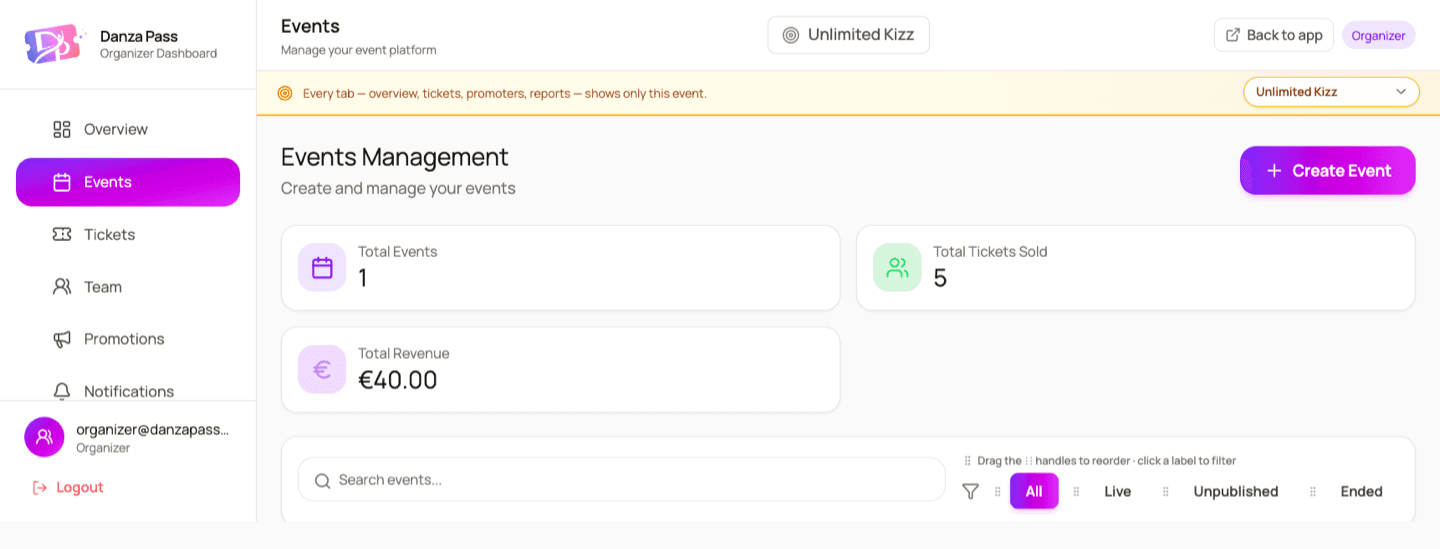
Create events
Build & publish your event in minutes
Set up a beautiful event page with ticket types, prices, dates, and a venue pinned on the map. Save drafts while you work and publish the moment you're ready.
- 1Open the Events tab and click Create event.
- 2Add the essentials — name, dates, description, cover image, and pin the venue on the map.
- 3Create ticket types with prices, capacity, sales windows, and refundable or non-refundable rules.
- 4Preview, publish, and share your public event link anywhere — sales land straight in your dashboard.
Manage team
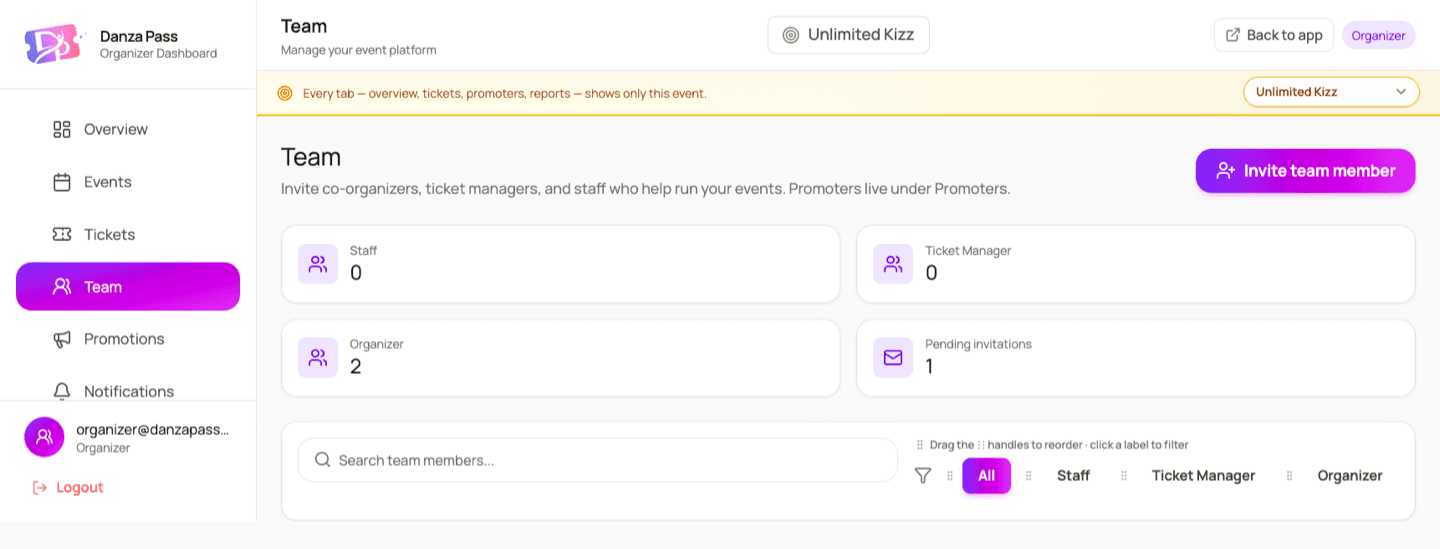
Invite your team — everyone gets the right access
Run events with co-organizers, ticket managers, and door staff. Each role sees only what it needs, so you stay in control from setup to the door.
- 1Open the Team tab and click Invite team member.
- 2Enter their email and choose a role: Organizer, Ticket Manager, or Staff.
- 3They accept the invite and instantly see only what their role allows.
- 4Change roles or remove access at any time as your team grows.
View analytics
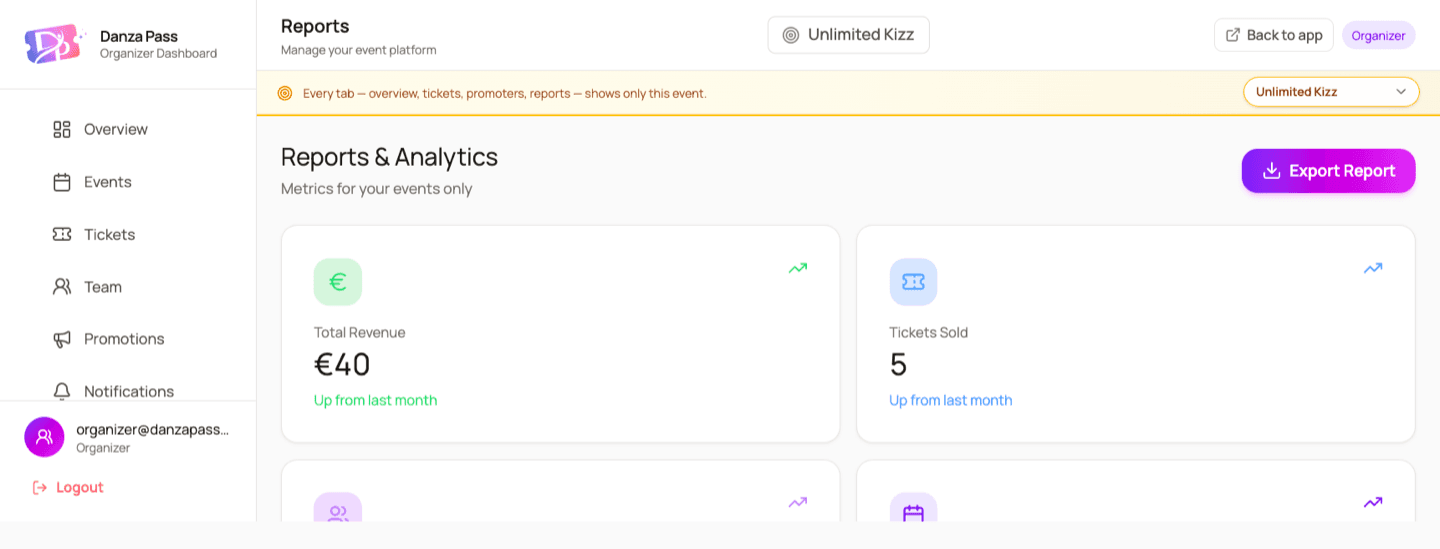
Track sales & performance in real time
Know exactly how your event is doing. Revenue, tickets sold, buyer trends, and top promoters — all live, with filters and one-click CSV export.
- 1Open Reports for revenue, tickets sold, and buyer trends with month-over-month movement.
- 2Use the Overview for a live snapshot of your focused event and estimated settlement.
- 3Filter the Tickets table by status, pass type, or internal labels — then export to CSV.
- 4See which promoters drive sales and track their commissions automatically.
Ready to run your event on DanzaPass?
Create a free organizer account and build your first event whenever you're ready — €1 per ticket, no upfront cost.
Create your organizer account